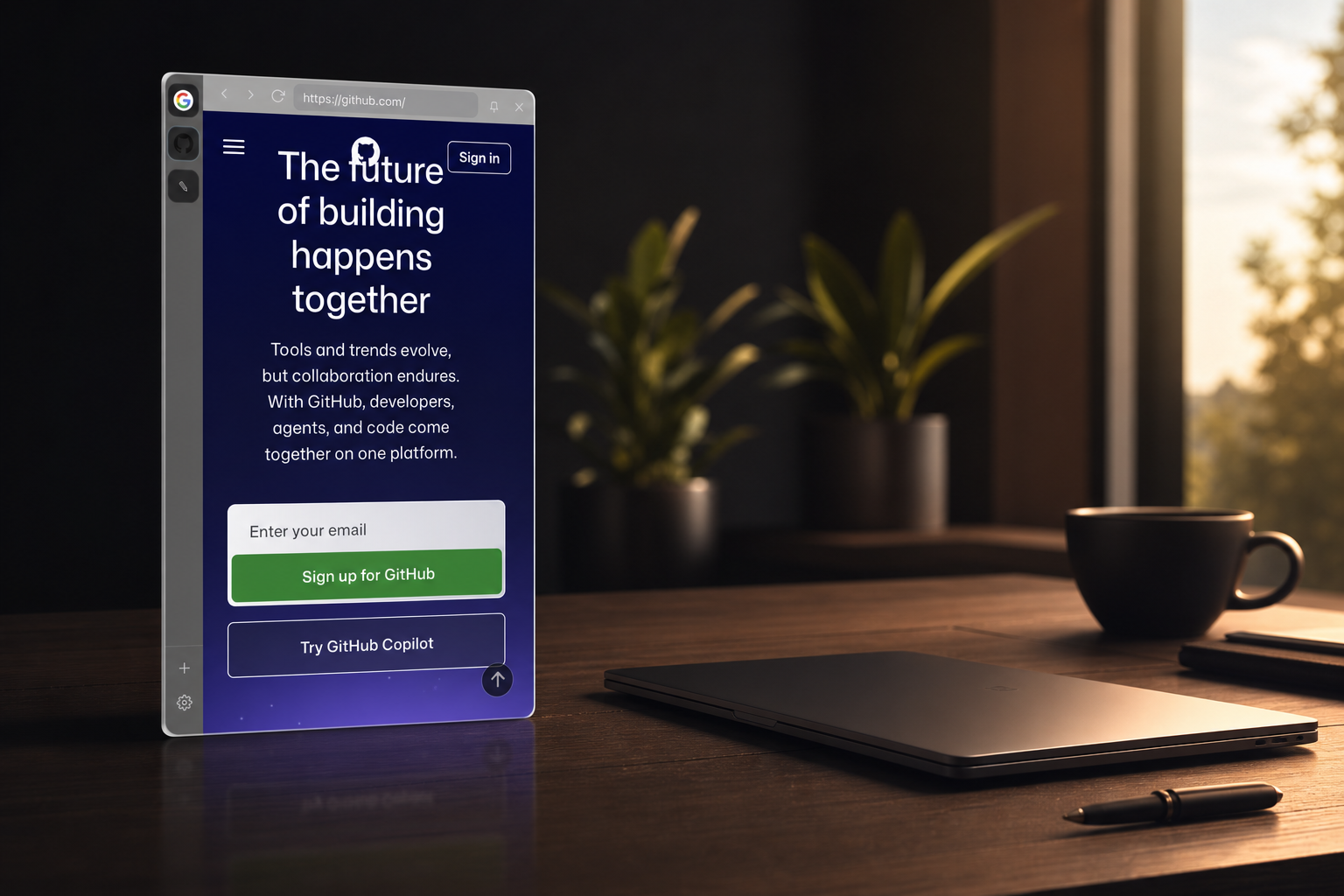
Stop juggling windows.
Your apps come to you.
How it works
Nudge the edge.
There it is.
Glide your cursor to the side of the screen — or press a shortcut — and SideView slides in. Move away and it glides back out. No Dock, no clutter.
- ✓Reveal on cursor hover, or press ⌘⌥S
- ✓Auto-hides the moment you leave
- ✓Pin it open when you want it to stay

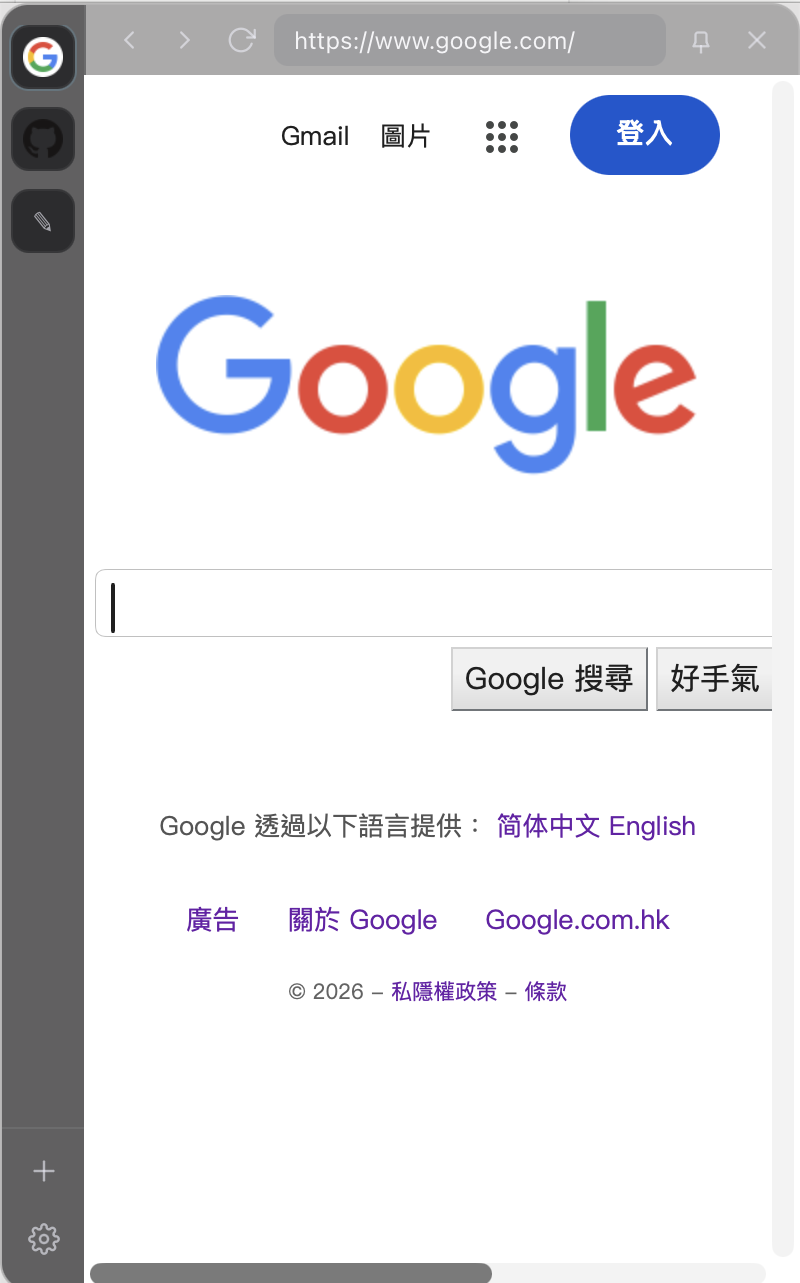

Made for the apps you live in
Messaging. Music. Mail.
All a flick away.
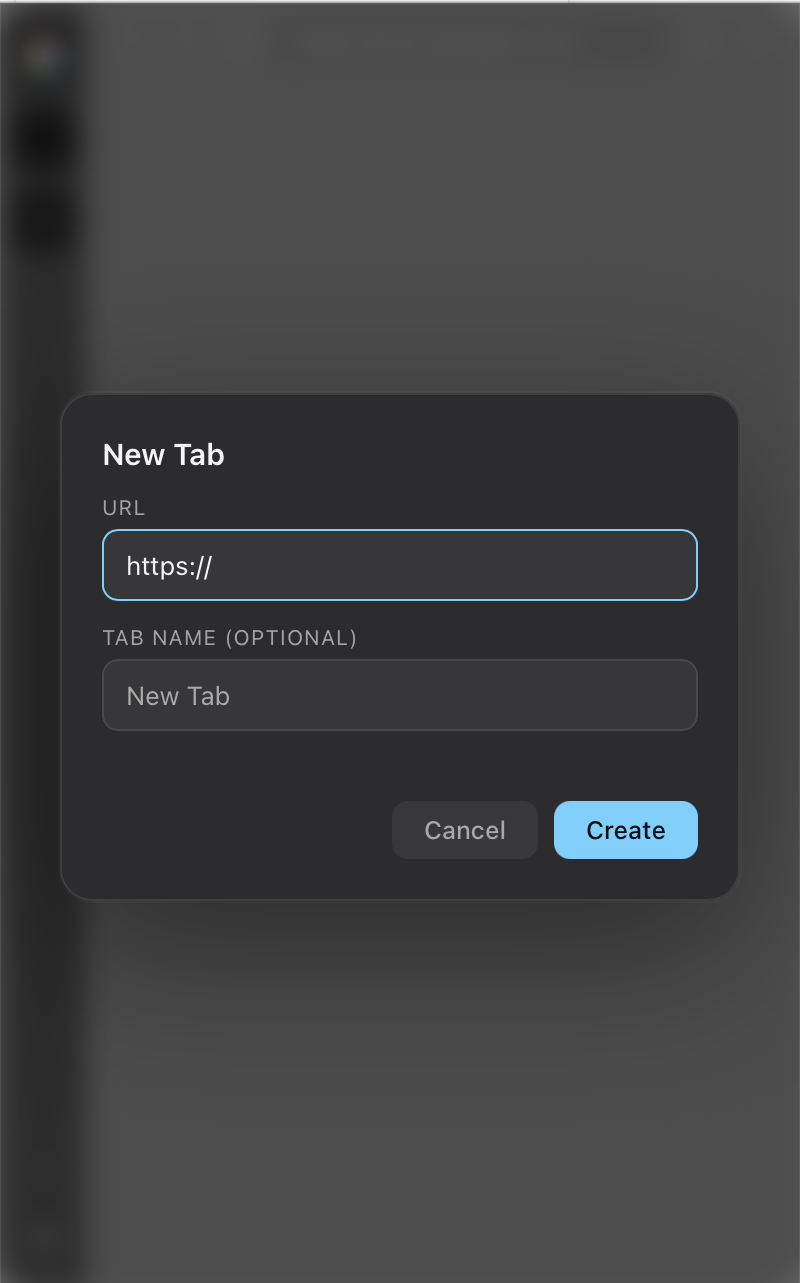
Add any site and it stays logged in and ready — switch with a click from the dock on the left.
Not just web apps
Built-in tools,
always within reach.
A scratch notepad, a clipboard history you opt into, and instant search ride along beside your apps.
The hybrid panel
Mac and Windows.
The same calm panel.
One experience across your machines — built on the system's own web engine, so it stays light and feels native everywhere.
Private by design
Your accounts stay yours.
No password handling
You log in directly with each site over HTTPS. SideView never sees or stores a credential.
Sandboxed apps
Every web app runs isolated and can't reach the app, the clipboard, or your files.
Opt-in clipboard
Clipboard history is off by default and kept in memory only — never written to disk.
Light on your machine.
Heavy on your flow.
Tabs load when you open them and sleep when you don't — so a dozen apps stay a flick away without weighing you down.
Free & open source
Bring calm
to your desktop.
Builds are not signed or published yet. macOS 11+ · Windows 10 / 11 · Apple silicon & Intel